Level Tool
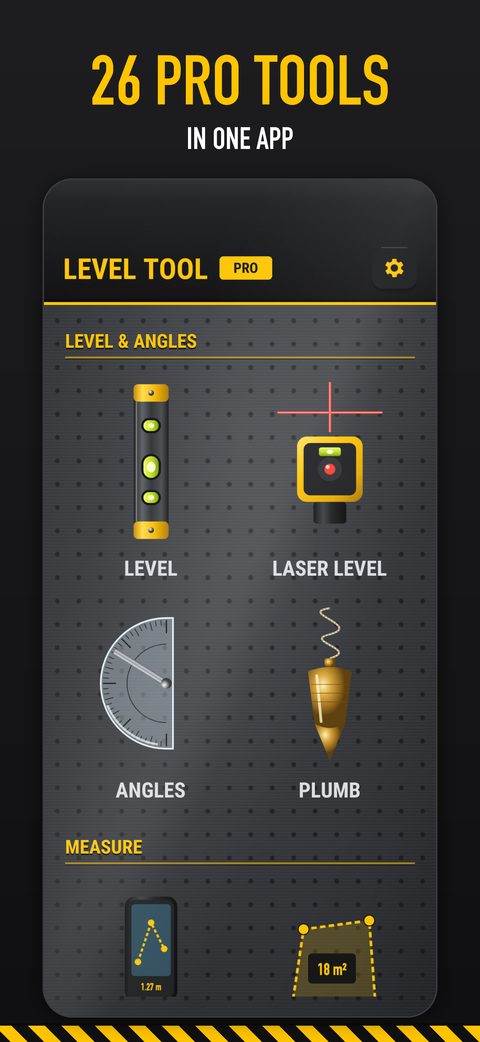
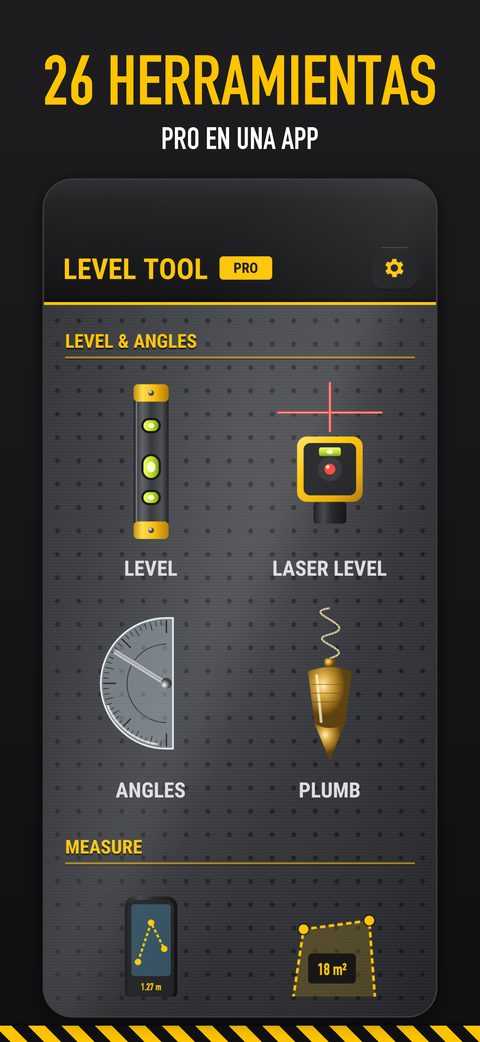
Your whole toolbox in your pocket: 26 precise tools for the job site, with big readable displays and big buttons.
Toda tu caja de herramientas en el bolsillo: 26 herramientas precisas para la obra, con pantallas que se leen bien y botones grandes.
26 pro tools
26 herramientas pro
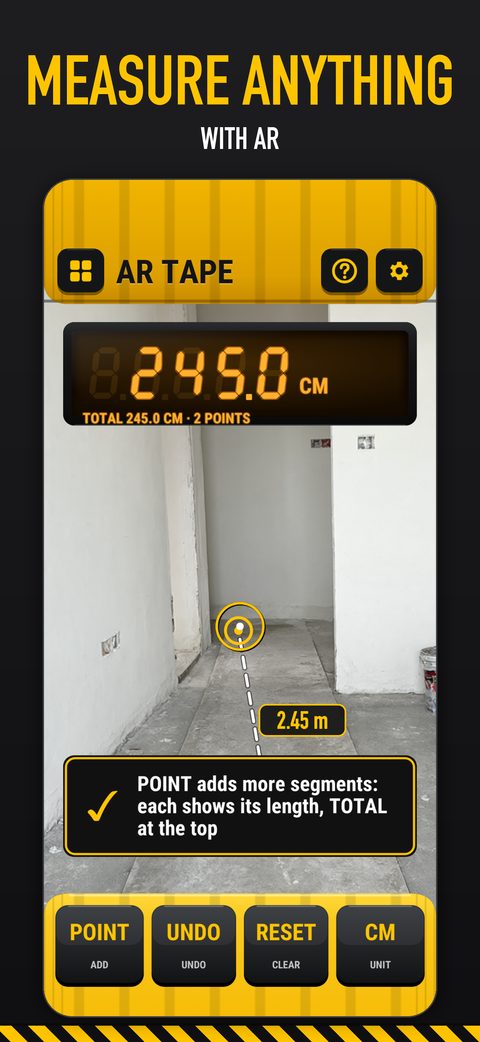
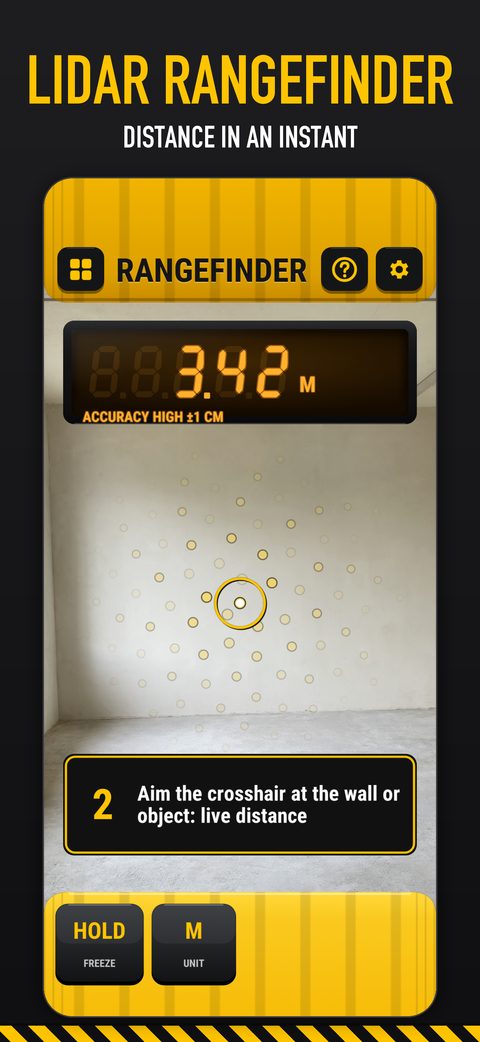
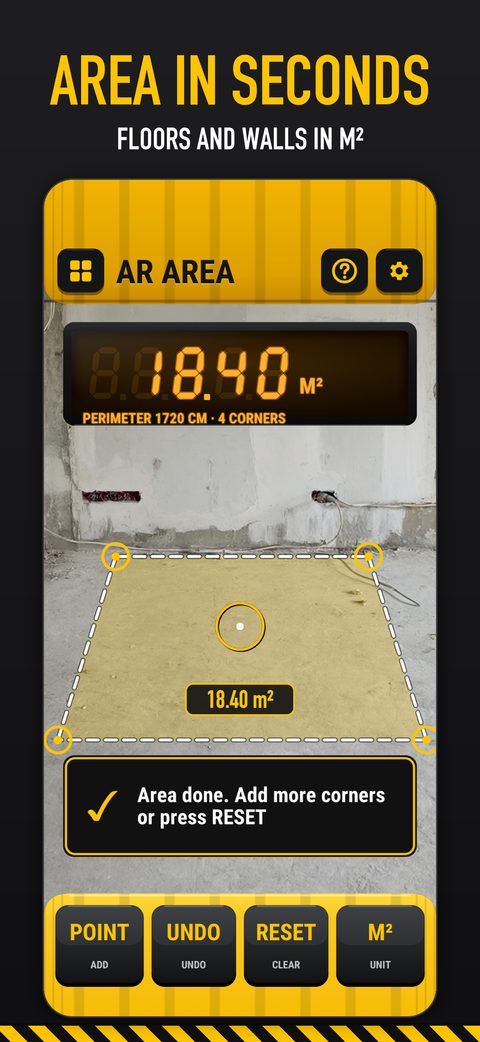
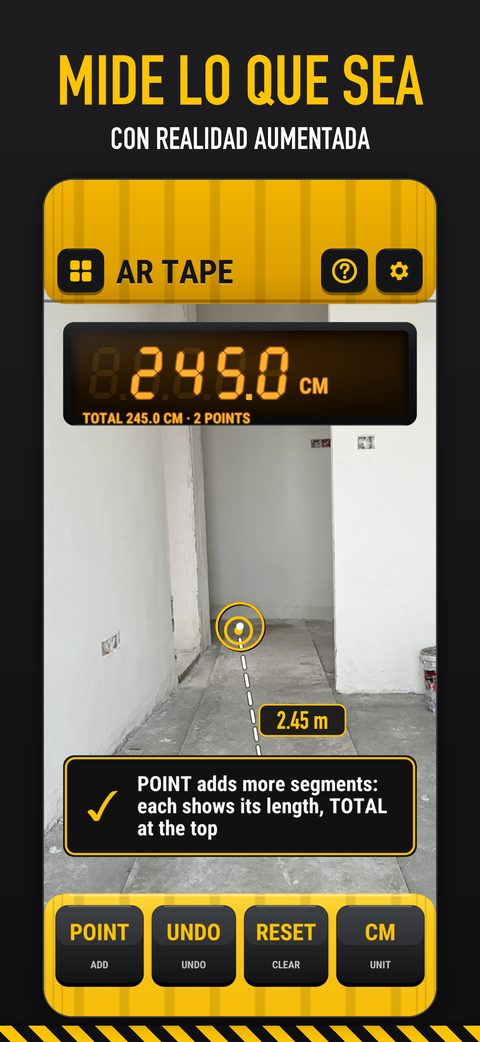
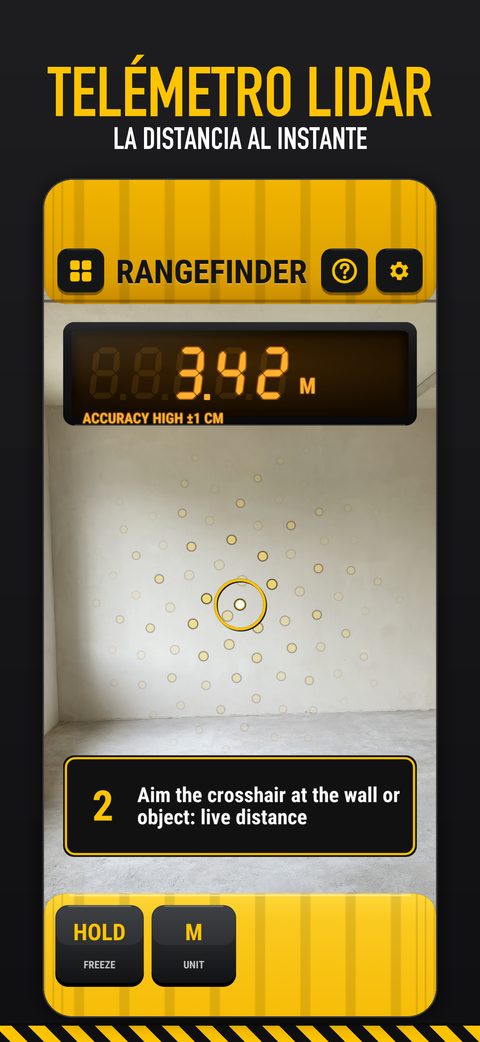
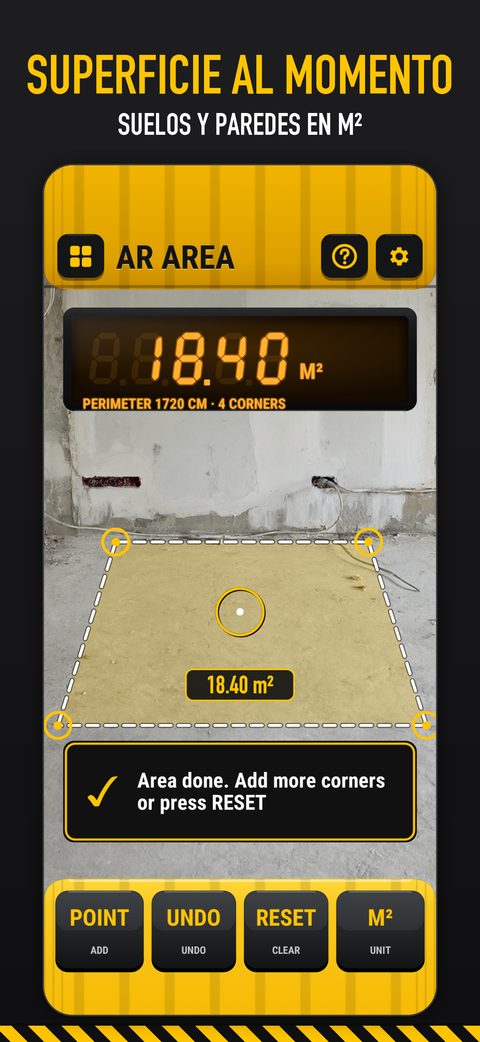
- Measure: AR tape measure, LiDAR rangefinder, AR area, AR height, ruler, GPS land area, unit converter.
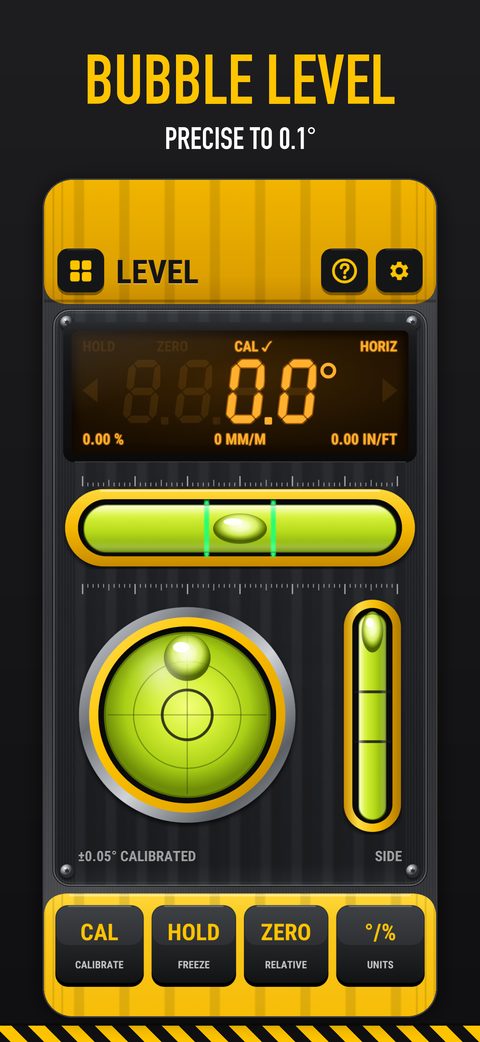
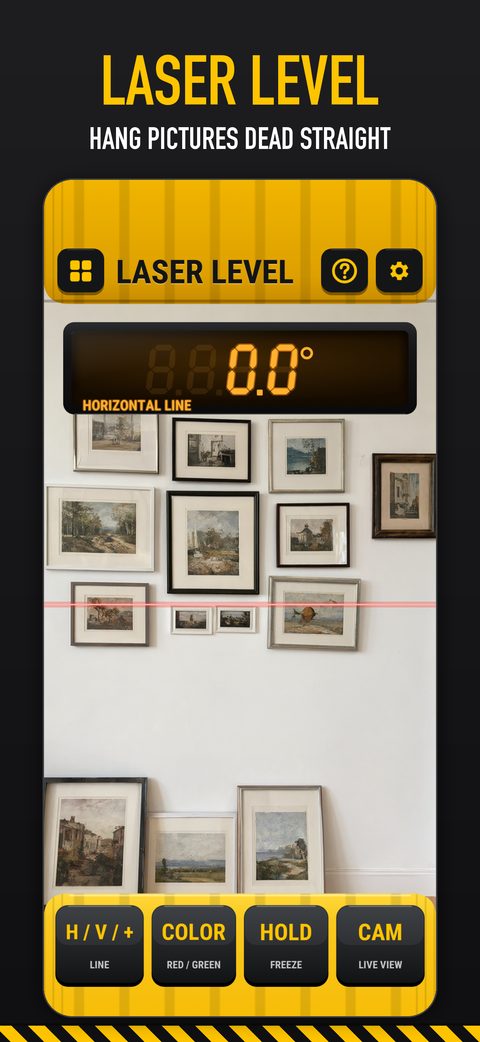
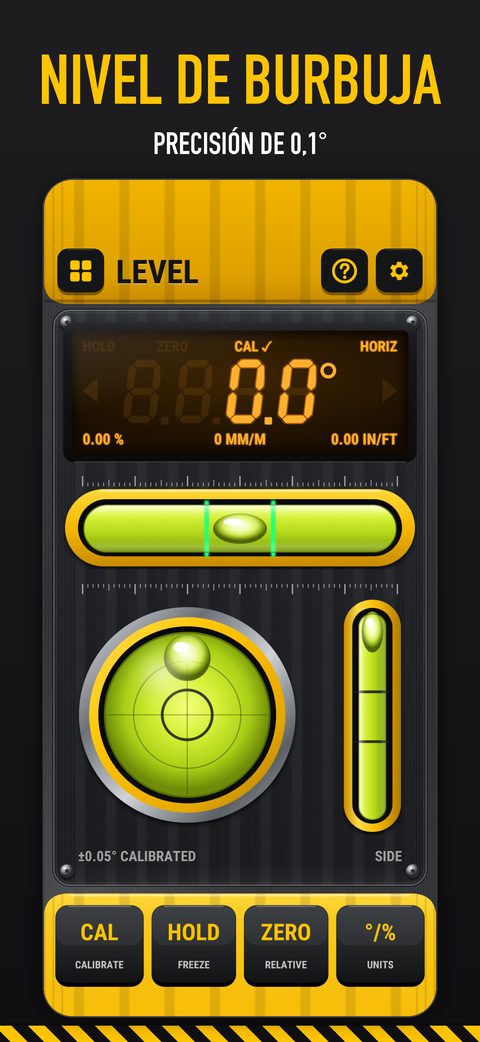
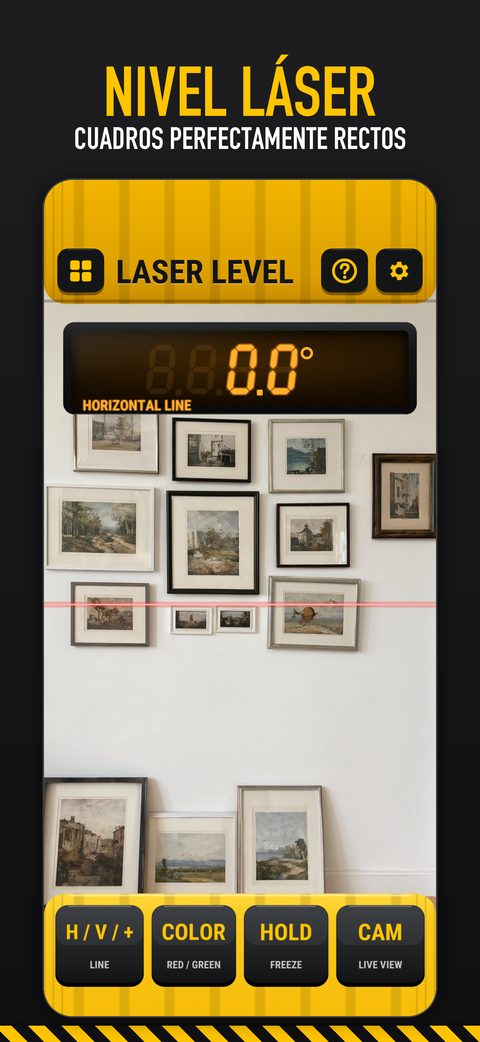
- Level & angles: bubble level (0.1°), laser level on the camera, protractor, plumb line.
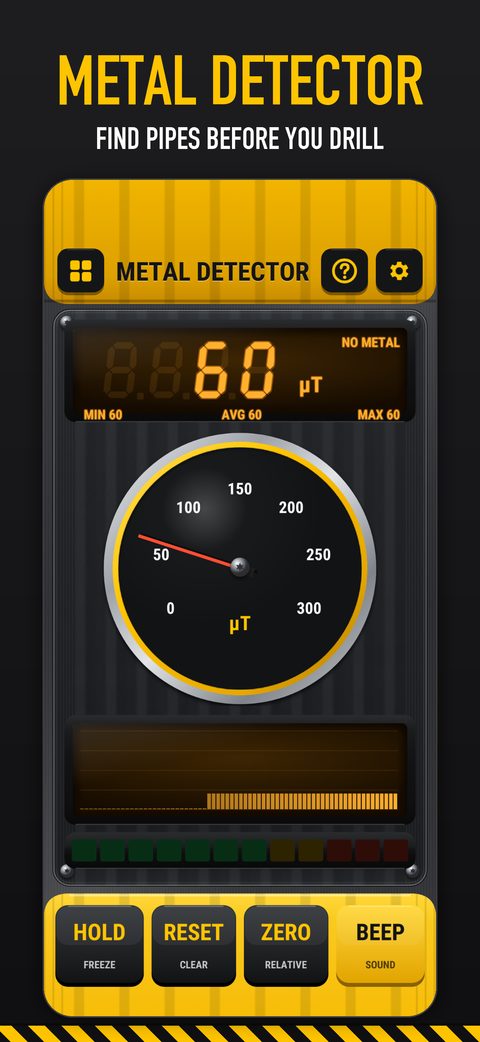
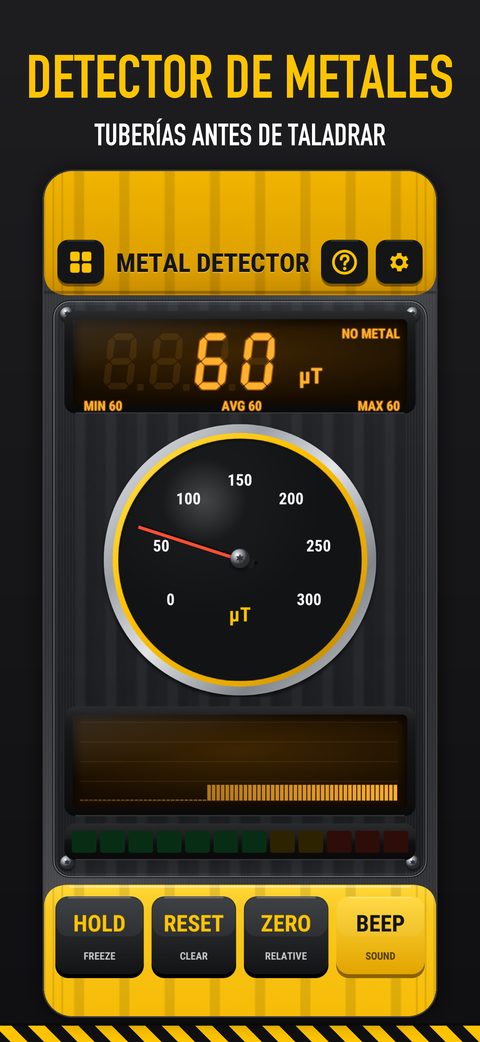
- Sensors: compass, metal detector, sound meter (dB), vibration meter, lux meter.
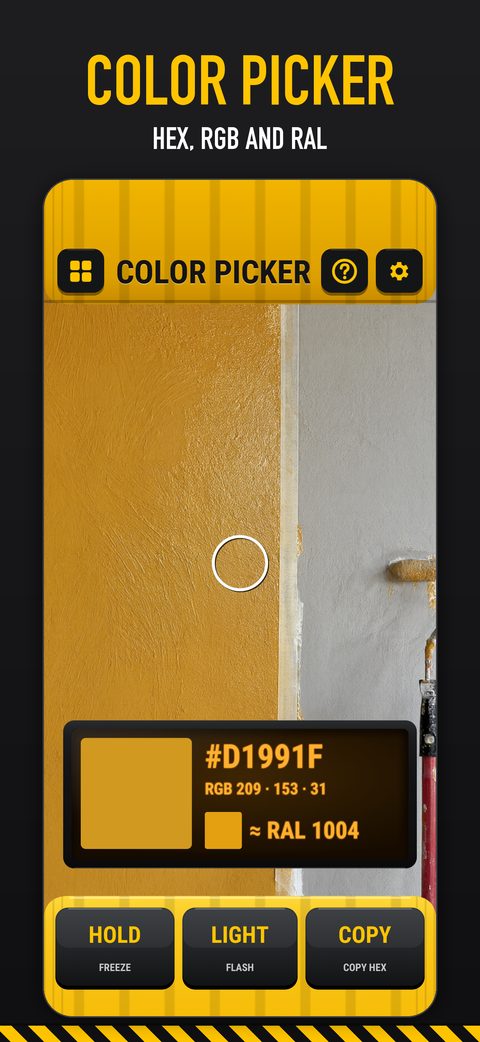
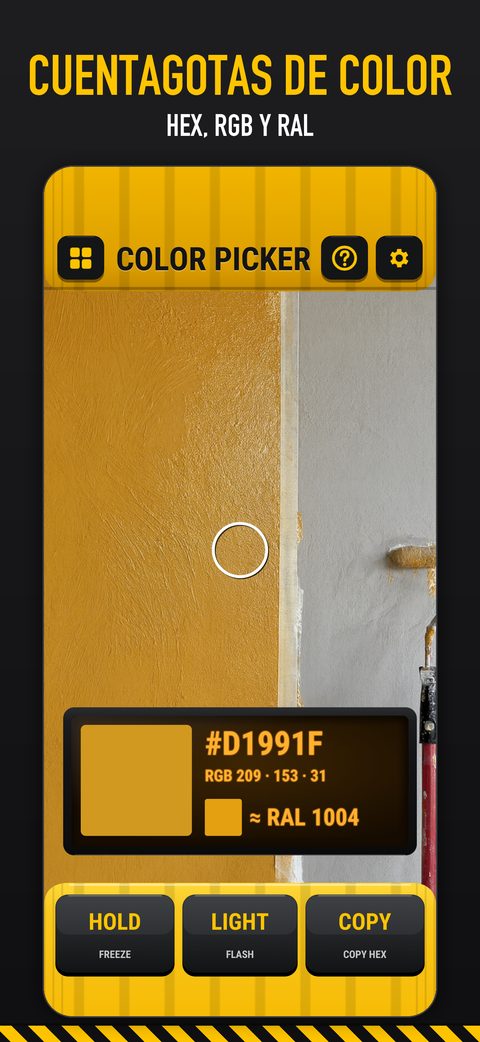
- Camera & light: flashlight, magnifier, photo + notes, color picker with RAL.
- Calculate & note: build calculator, electrical calculator, notes, sketch, stopwatch, countdown.
- Medir: cinta métrica AR, telémetro LiDAR, superficie AR, altura AR, regla, terreno con GPS y conversor.
- Nivel y ángulos: nivel de burbuja (0,1°), nivel láser sobre la cámara, transportador y plomada.
- Sensores: brújula, detector de metales, sonómetro (dB), vibraciones y luxómetro.
- Cámara y luz: linterna, lupa, foto + notas y cuentagotas de color con RAL.
- Calcular y anotar: calculadora de obra, eléctrica, notas, boceto, cronómetro y cuenta atrás.
Screenshots
Capturas
Support & FAQ
Ayuda y preguntas
Which tools are free?
The bubble level is free forever. Every other tool is free for the first 24 hours after you install the app; after that they need Level Tool Pro (monthly, yearly with a 3-day free trial, or lifetime).
How do I restore my purchase?
Open Settings (the gear) › PRO › RESTORE, signed in with the same Apple ID you used to buy.
How do I cancel the subscription?
On iPhone: Settings › your name › Subscriptions › Level Tool Pro. It stays active until the end of the period you paid for.
The AR tools don't work
AR tape, AR area, AR height and the rangefinder need an iPhone with ARKit and good light. Move the phone slowly until the yellow grid appears. The rangefinder uses LiDAR on iPhone Pro models.
How accurate is it?
Measurements depend on the phone's sensors and conditions. Use calibration (CAL) where available. For critical or legal measurements, use a certified instrument.
¿Qué herramientas son gratis?
El nivel de burbuja es gratis para siempre. Las demás son gratis durante las primeras 24 horas tras instalar la app; después necesitan Level Tool Pro (mensual, anual con 3 días gratis o de por vida).
¿Cómo restauro mi compra?
Abre Ajustes (el engranaje) › PRO › RESTORE con el mismo Apple ID con el que compraste.
¿Cómo cancelo la suscripción?
En el iPhone: Ajustes › tu nombre › Suscripciones › Level Tool Pro. Sigue activa hasta el final del periodo pagado.
Las herramientas AR no funcionan
La cinta, la superficie, la altura AR y el telémetro necesitan un iPhone con ARKit y buena luz. Mueve el móvil despacio hasta que salga la malla amarilla. El telémetro usa el LiDAR en los iPhone Pro.
¿Qué precisión tiene?
Las medidas dependen de los sensores del móvil y de las condiciones. Usa la calibración (CAL) donde la haya. Para medidas críticas o legales, usa un instrumento certificado.
Anything else? Write to edgar@vgers.com.
¿Algo más? Escribe a edgar@vgers.com.